
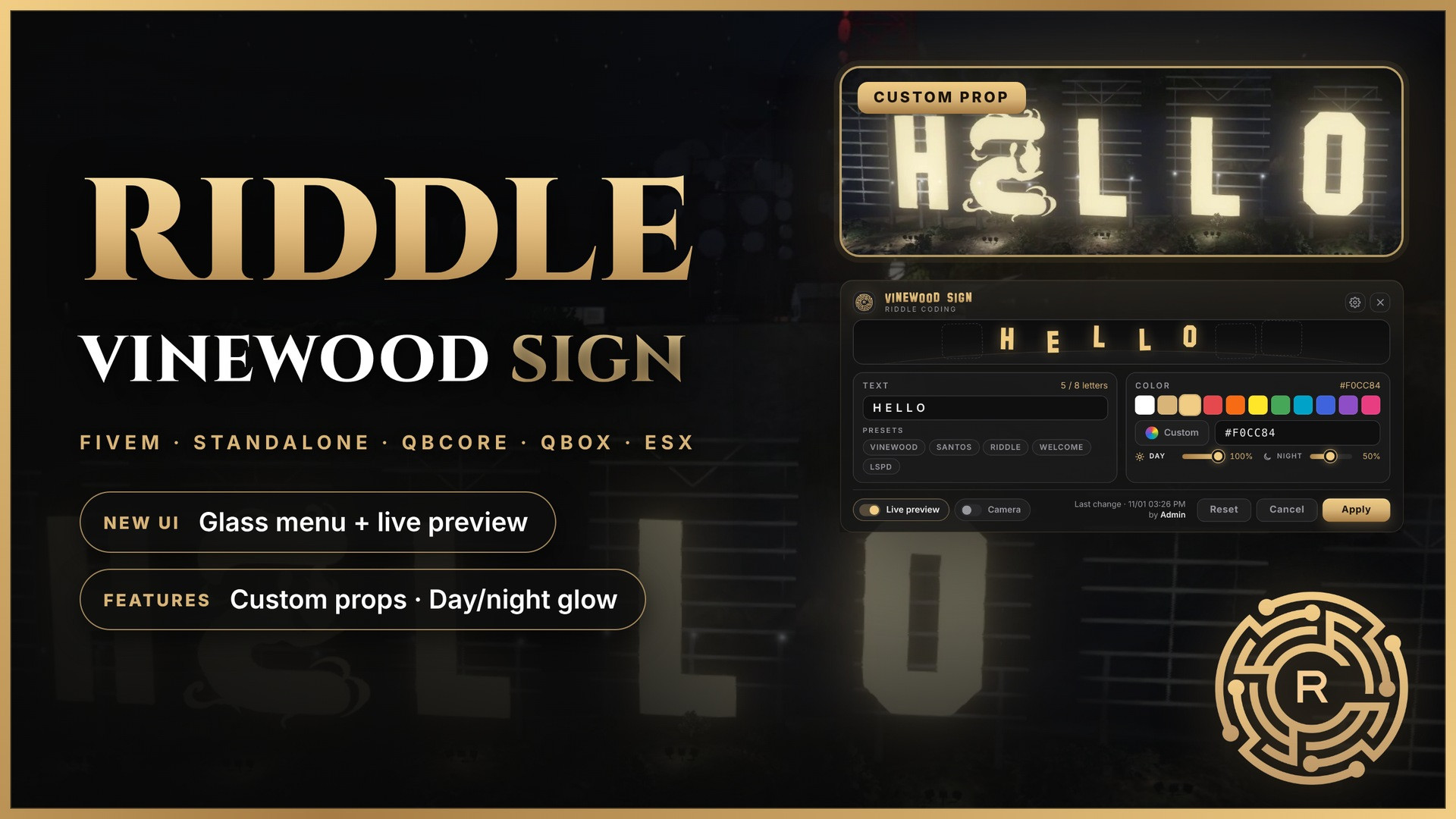
RIDDLE VINEWOOD SIGN
FIVEM · STANDALONE · QBCORE · QBOX · ESX
Change the Vinewood sign text, color and glow in game from a glass menu, with a live preview.
Changes reach every player instantly and survive restarts.
ESCROW PROTECTED · Config & letter props fully editable
🎬 Showcase
✨ Features
- Glass UI menu with a letter preview, text presets, 11 colors, a color picker and a hex input
- Live preview on the real sign while you type. Nothing is saved until you press Apply
- Preview camera that flies to the sign while you edit
- Day & night glow: two glow levels that switch automatically with the in-game clock
- Custom props: swap any letter for your own model
- ACE permissions: works standalone on any framework
- Anti-abuse: players who fire the event without the menu are kicked and logged
- Discord webhooks for change and security logs, set right in the menu
- Exports & console:
SetSign,GetSignand/vinewood TEXT #HEX - 0.00 ms idle: no loops, synced to every player with GlobalState
🔓 Open Files
config.lua: command, permissions, defaults, presets, glow, camera, letter positions, all textsserver/config.lua: webhooks and anti-abuse settingsstream/: letter models, so you can swap in your own props
⚙️ Requirements
- Recent FiveM server build
- No framework required
- Free font SF Hollywood Hills (download separately, 1 minute setup)
📦 Installation
- Download the resource from your Cfx.re portal and place
riddle-vinewoodsignin your resources folder - Download SF Hollywood Hills and copy
SF Hollywood Hills.ttfintoweb/fonts/ - Add
ensure riddle-vinewoodsignto your server.cfg - Give the permission:
add_ace group.admin riddle.vinewood allow - Restart and type
/vinewoodin game
📖 Documentation · 💬 Discord Support
Reselling, sharing or leaking this resource is not allowed.